

Your Blue Devil Journey Starts NOW
Ready to Commit?
You’ve done the hard part and you’re ready to be here. Take these two simple steps to make it official:
Step 1: Make Your Deposit
- Your personalized deposit link is sent in every email after your acceptance as a button at the bottom of the email. Use it to submit your tuition and housing deposit and lock in your place at Fredonia.
- No worries if you can’t find the link. Call us at 716-673-3251 and we’ll send it immediately.
Step 2: Set Up Your Email
- Activate your FREDmail account using your eServices ID and password—this is Fredonia's primary way of communicating important deadlines, campus events, and academic information. We send out your primary login ID in an email from the Admissions Office.
Why Choose Fredonia?

“I love the atmosphere of Fredonia. Since this is a smaller campus, you get to see familiar faces all the time, and everyone is very nice and welcoming to new students.”
Thomas — Class of 2025
0+
Undergraduate Programs
0:1
Student-to-Faculty Ratio
0+
Clubs & Orgs
$0M
In Scholarships & Grants
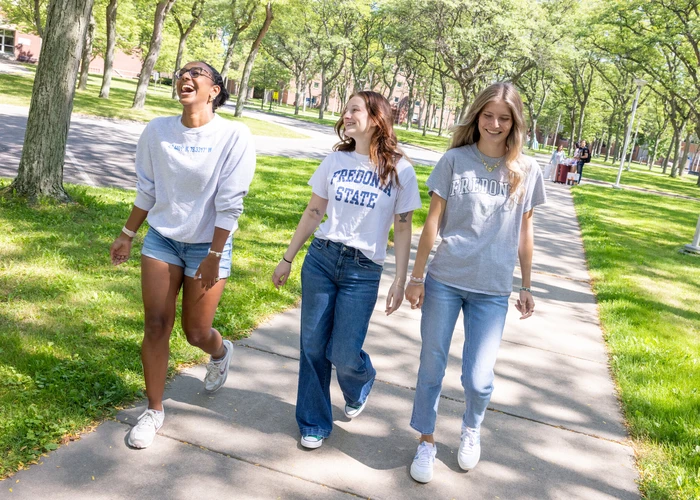
Why Students Love Fredonia
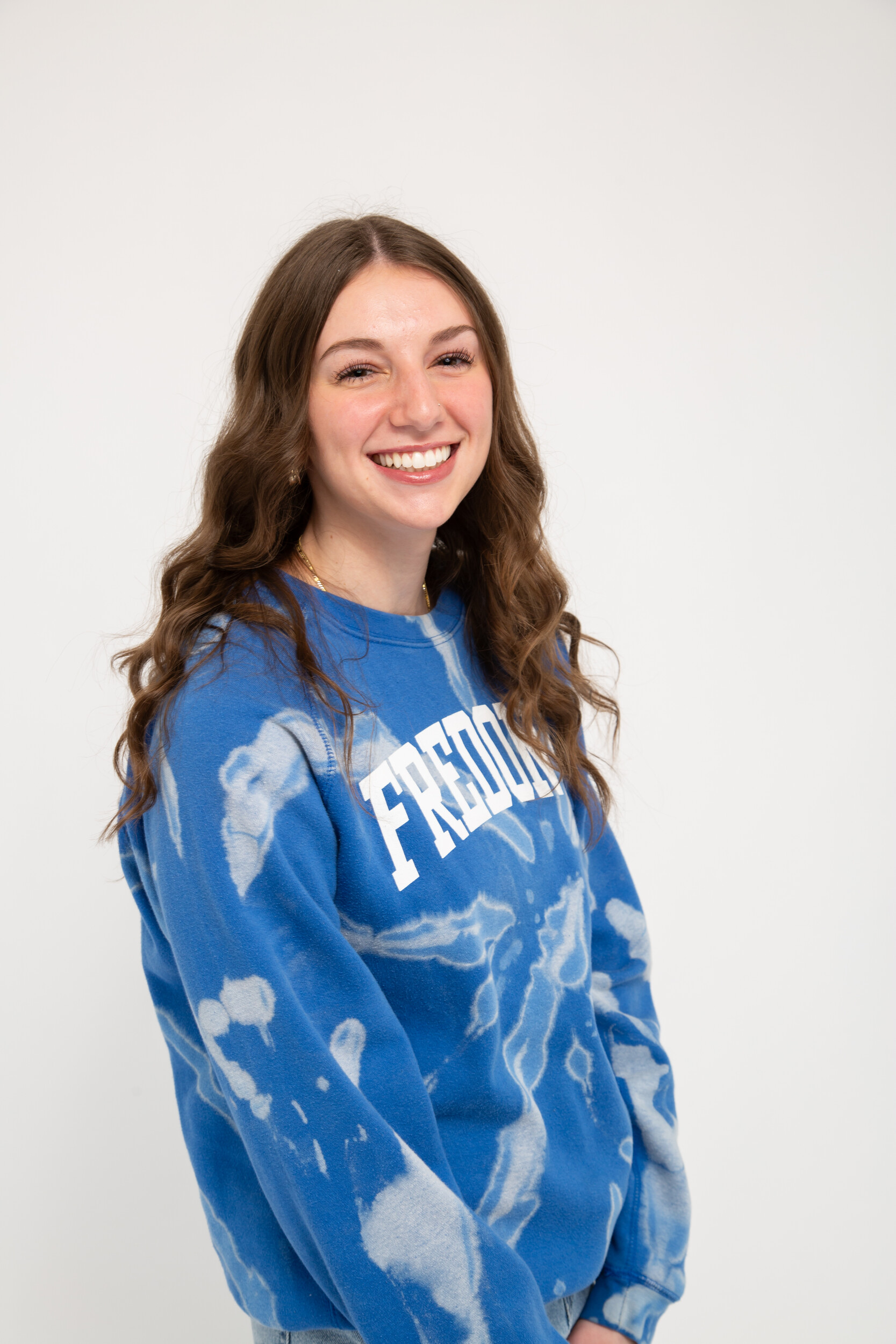
“One of my favorite experiences at Fredonia would have to be move-in weekend freshman year. There were so many welcome events going on around campus, and it made me feel a sense of belonging at this school.”
Valentina — Class of 2026

“I love Fredonia because it is a pretty campus with very friendly and welcoming people. There's always something for everyone here so you'll always find a group of people for you.”
Josiah — Class of 2025

“The community is indescribable! My professors know me beyond the classroom and want me to succeed in all areas of my life.”
Shannon — Class of 2026

A Vibrant, Affordable Campus
Regional Private Universities
Average Annual Tuition and Fees
$67,066
Includes room and board
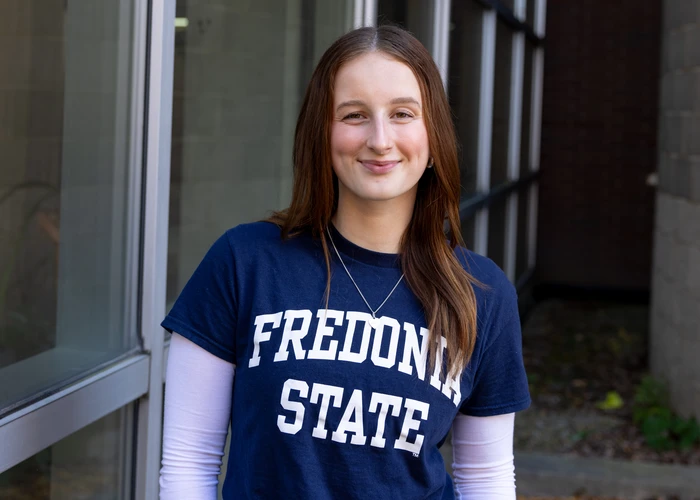
Quality You Can Afford
We have to come clean. We rank really low in one metric: cost of attendance. New York State ranks 47th — meaning on average you pay more to go to college in 46 other states.
“I’m very price-aware, and Fredonia was definitely the affordable choice for me. I could earn a great education without drowning in student debt.” - Abby Goetz, Class of 2025

We can't wait to see you on campus!
